Tokyo
Japan
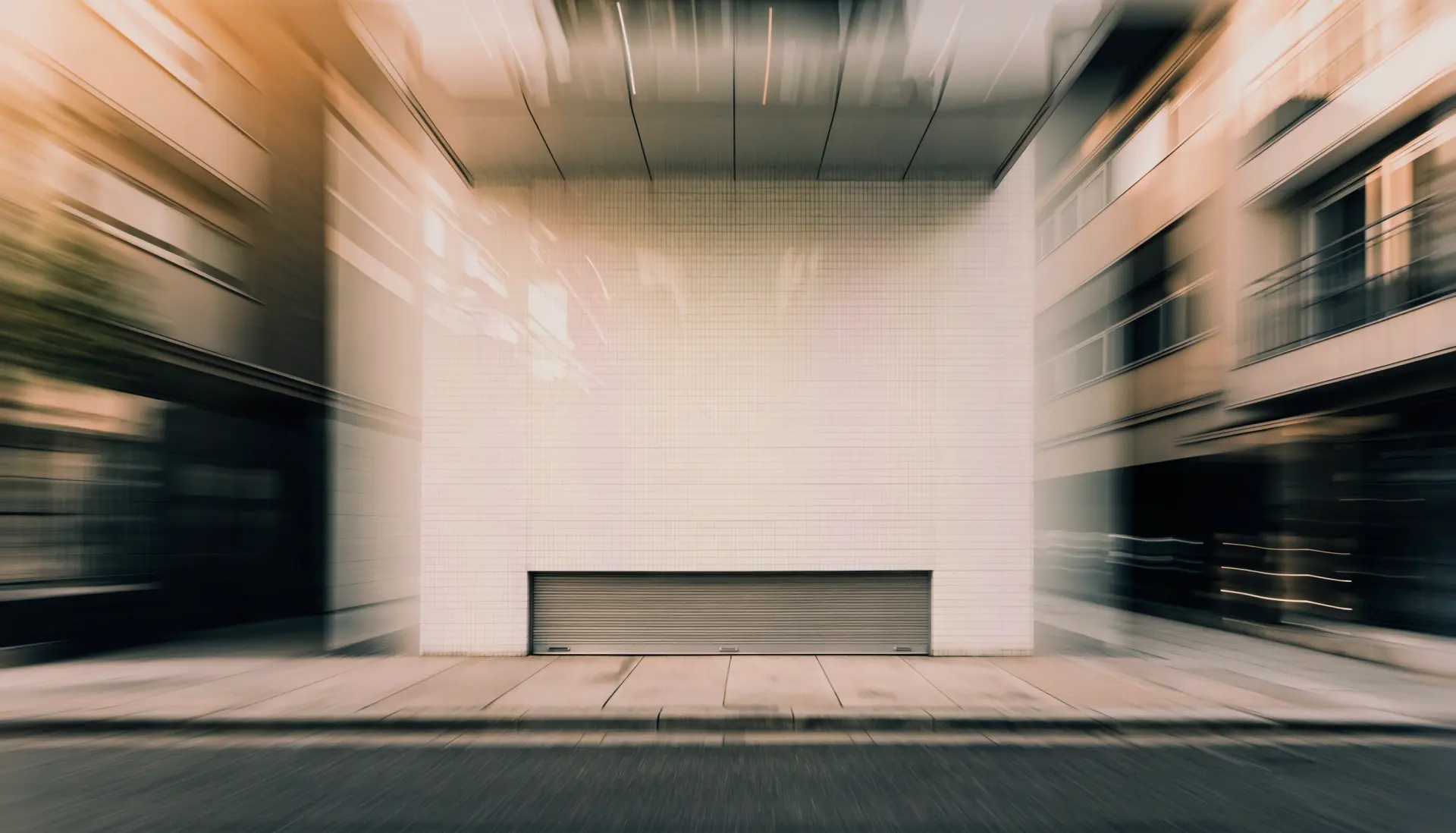
White tile, low sun
Flew in at dawn
Jihanki
Jihanki
A skin for Video.js v10
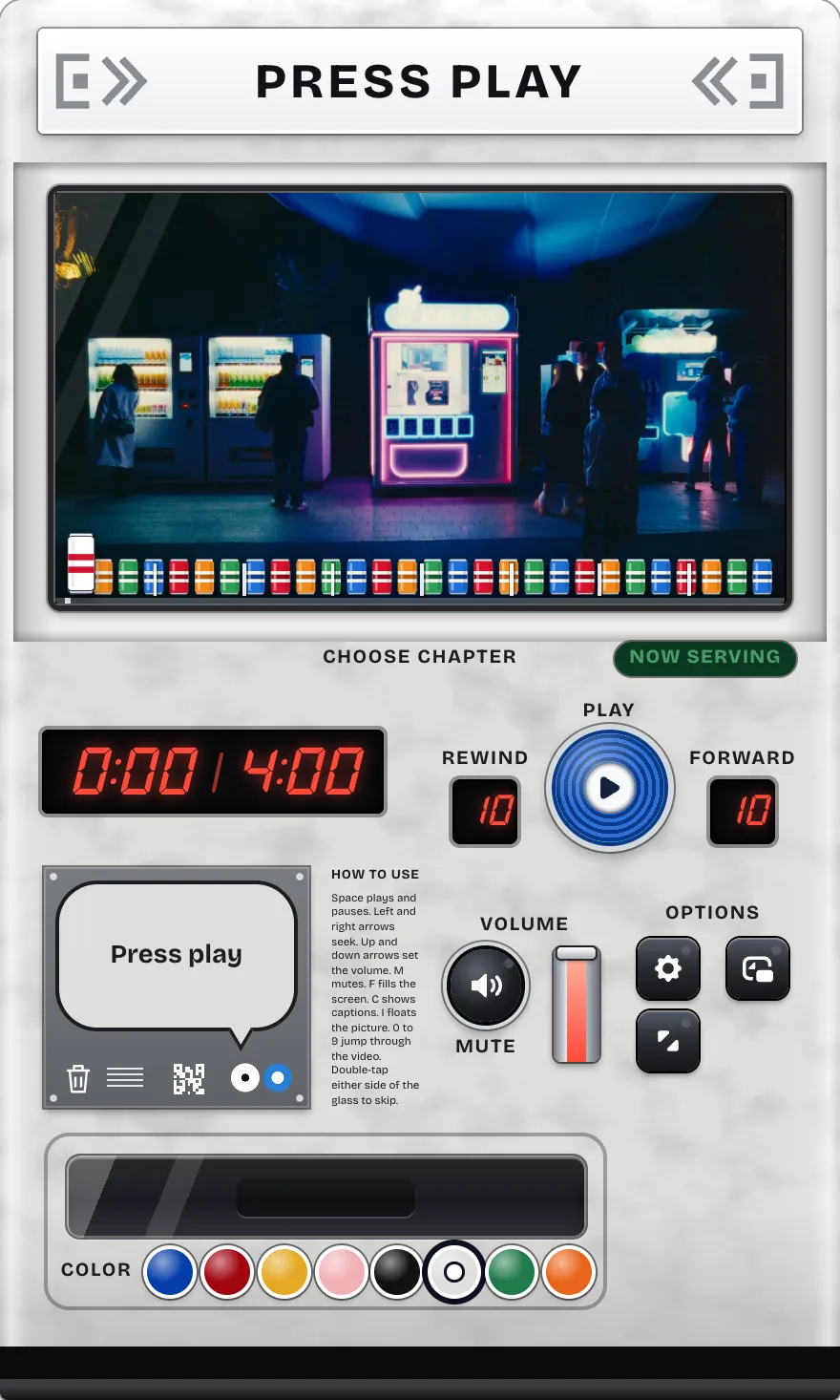
A video player shaped like a vending machine
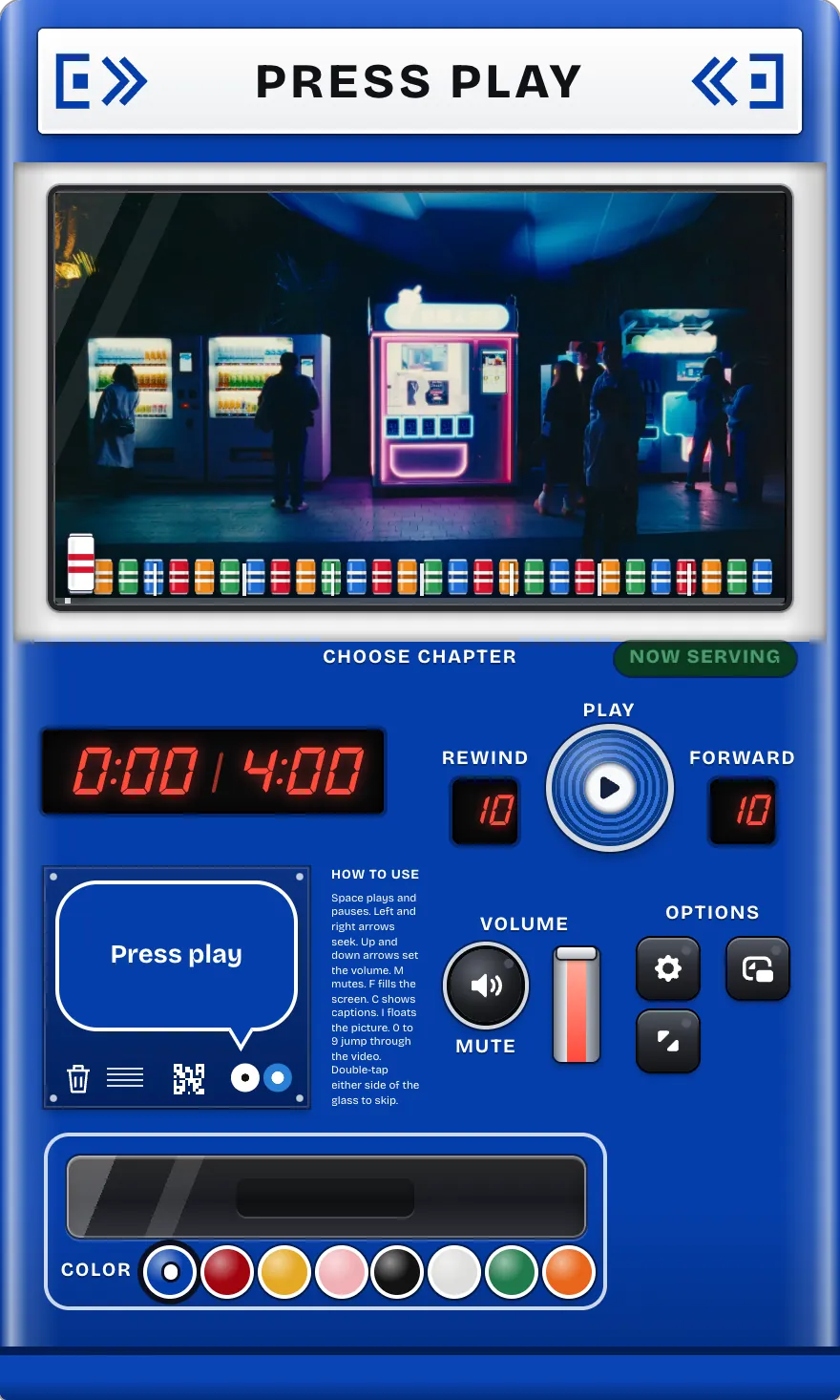
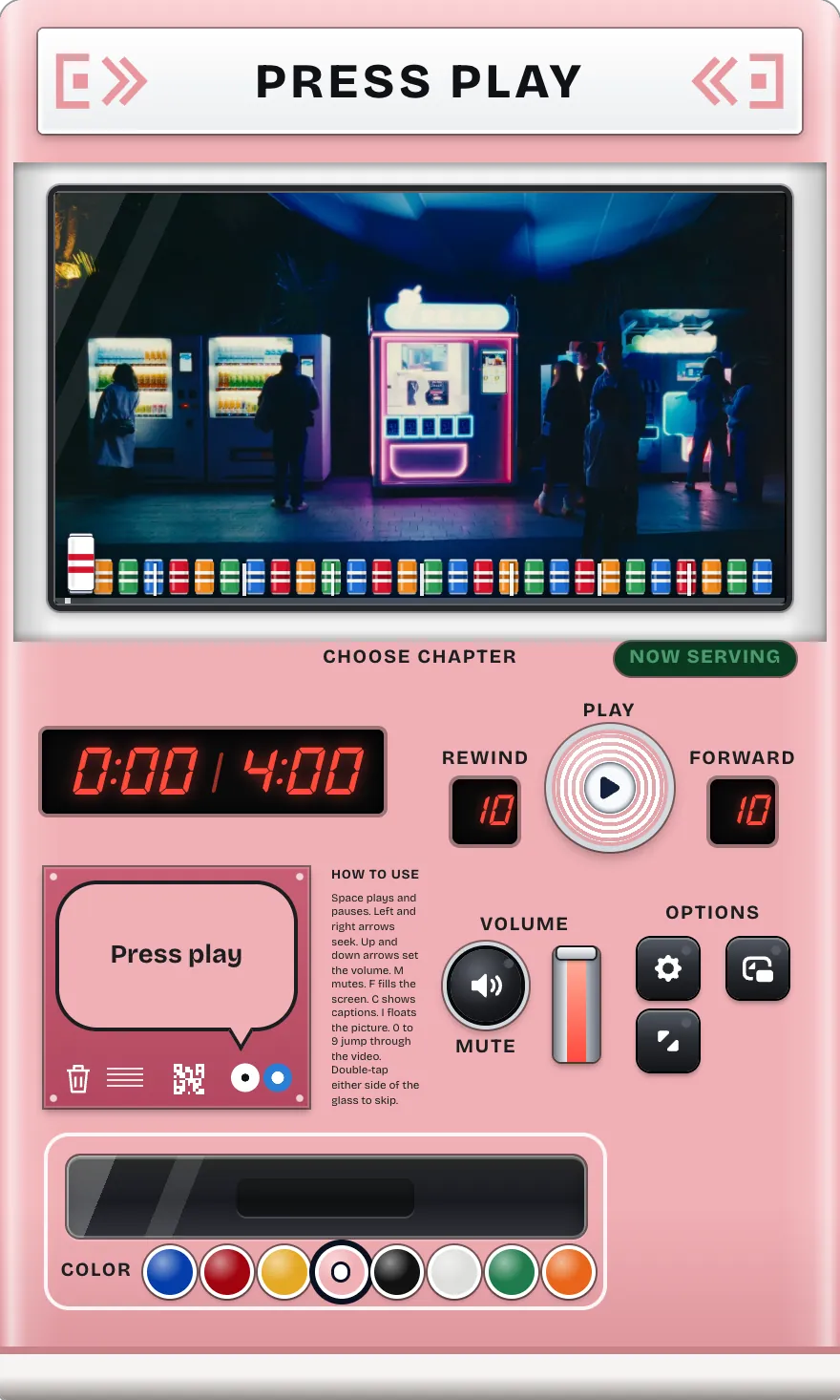
The video plays behind the glass, and the cans on the shelf are the timeline. Tap the machine, drop the coin in, then set off.Tap the coin and fill the glass. When it is full, dive in. Turn the machine, stick things on it: it is yours for the trip.
Drop the coin inTap the coin
Japan
White tile, low sun
Flew in at dawn
South Korea
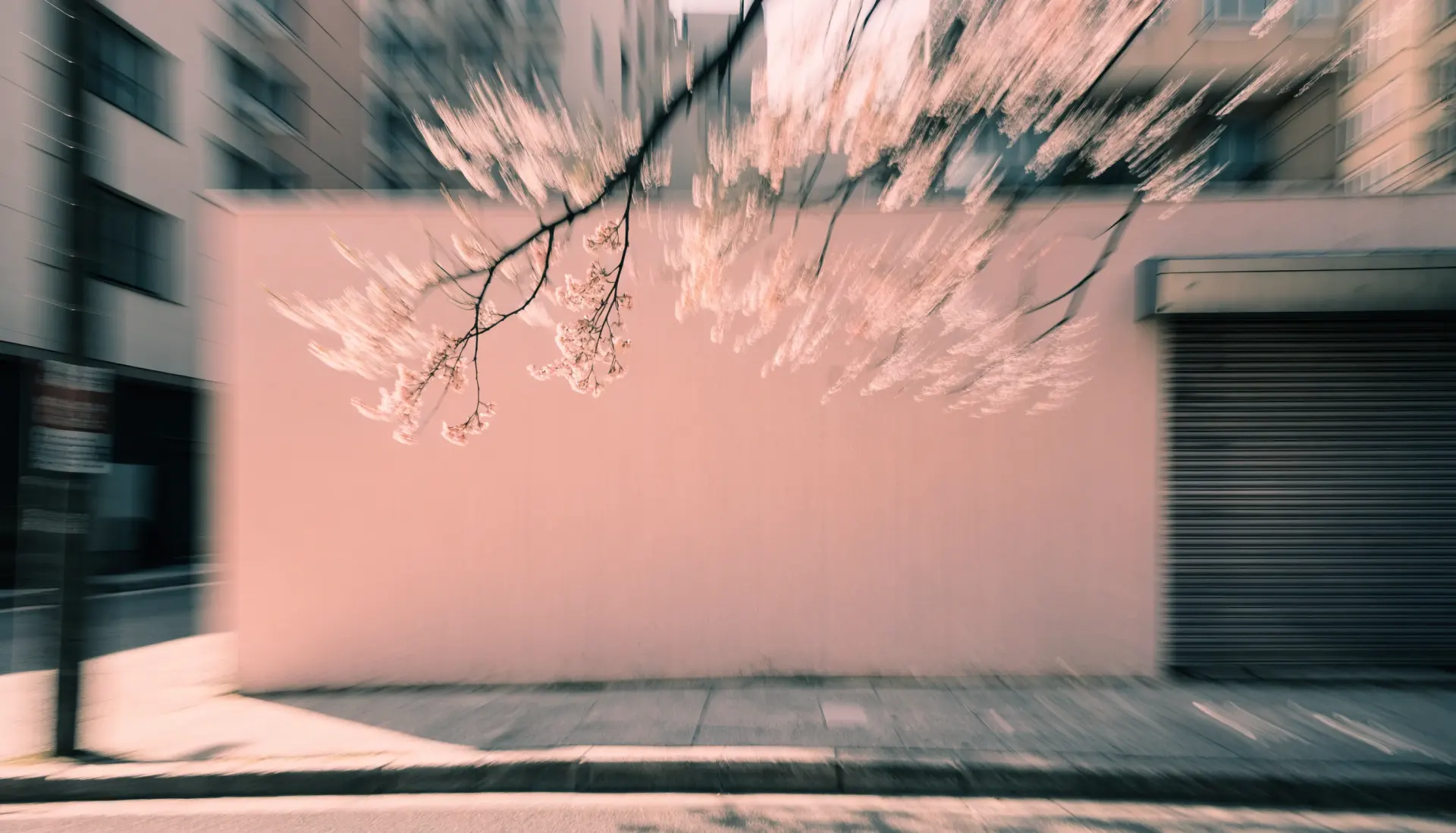
Pink wall, cherry blossom
Flew in at noon
China
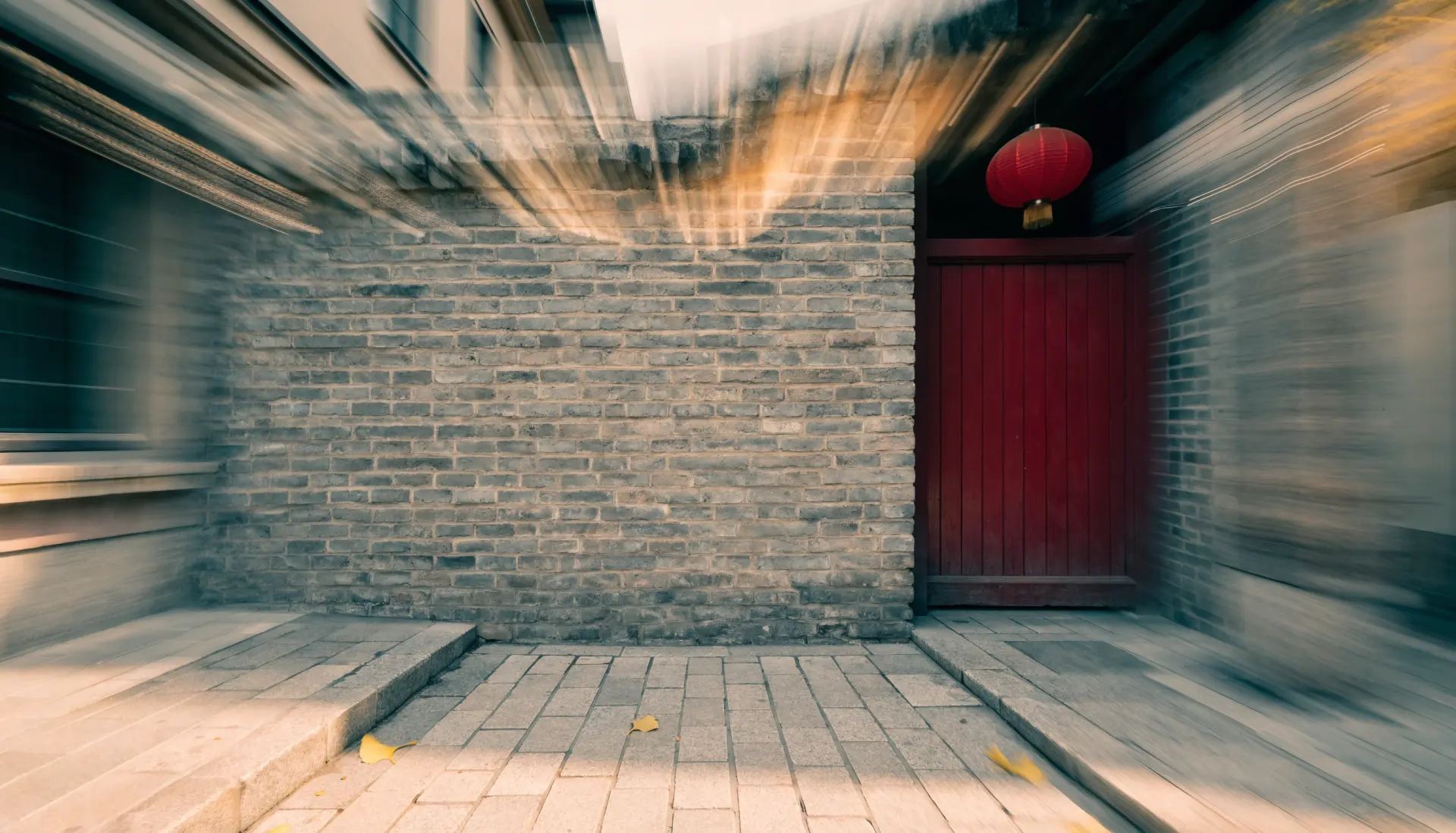
Grey brick, a red door
Flew in through the haze
USA
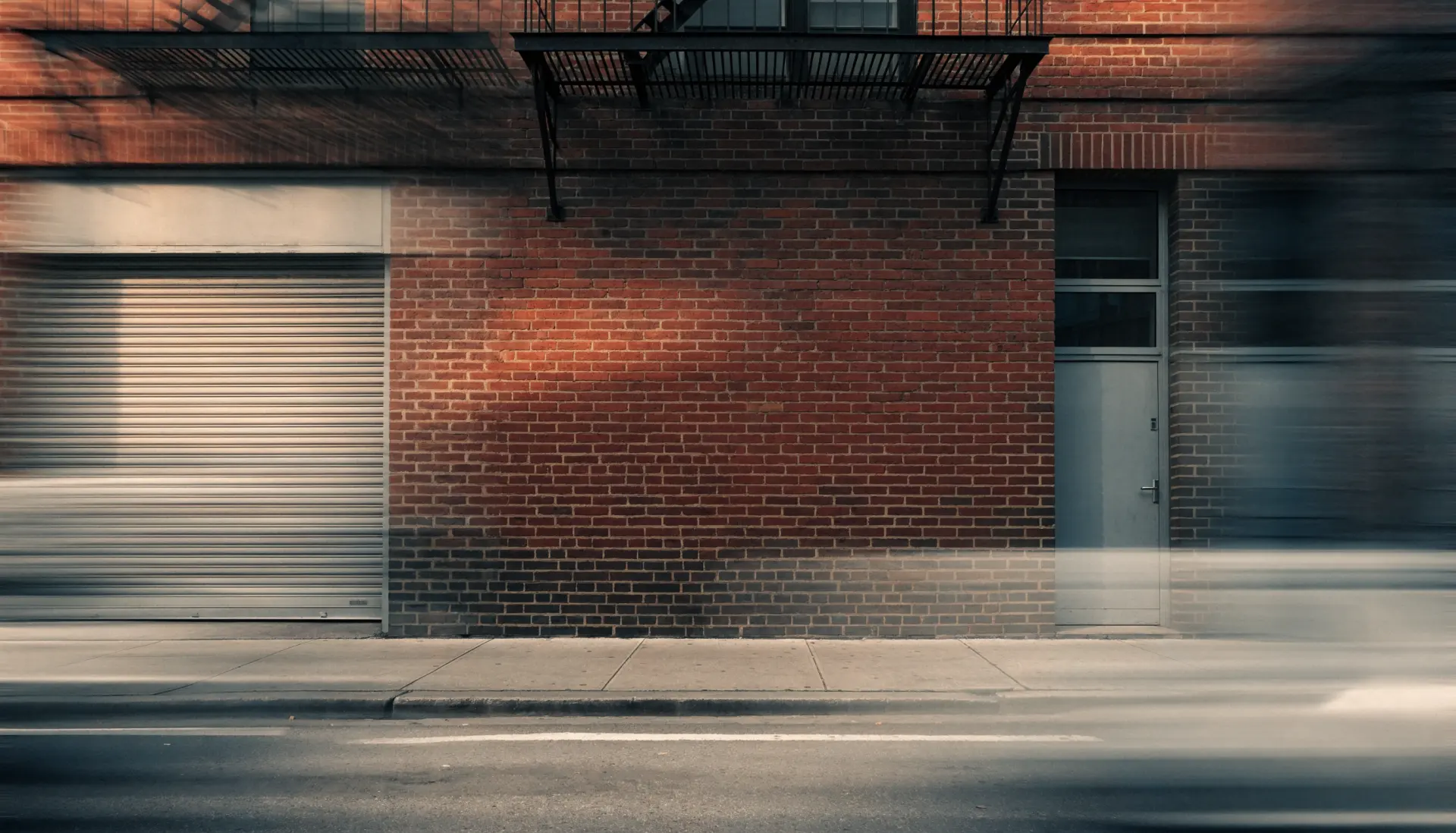
Red brick, a fire escape
Flew in at sunset
United Kingdom
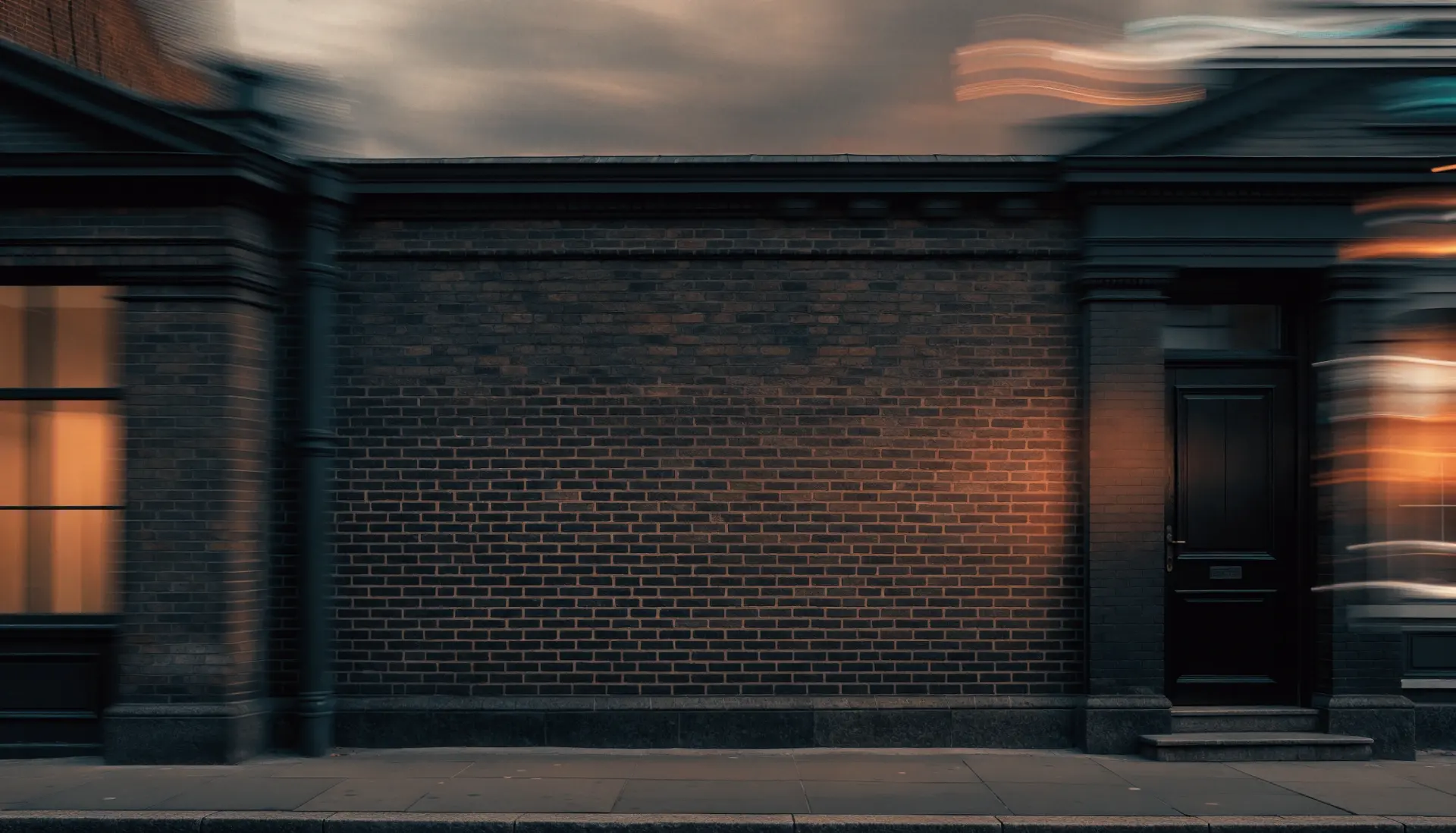
Dark brick at dusk
Flew in by night
France
Limestone, an iron balcony
Flew in through a storm
Germany
Timber frame, cobbles
Flew in at dusk
Italy
Terracotta, green shutters
Flew in at golden hour
Design notes03 decisions
The idea was one line: the frame is the design. Every control a player needs had to be a part that a real machine on a real street already has.
A vending machine means canned drinks, so the shelf at the foot of the glass is the time slider itself, not a bar dressed up as one. Full cans are what is left to watch and empty ones are what you have seen. The tall white can is the playhead, the white posts are chapter starts, and a click anywhere on the shelf seeks there.
The row is kept low so it never crowds the picture. It steps back while the video plays untouched and returns with the pointer, a key, a tap or a pause. At the end one can drops into the tray, and only then does Replay appear.
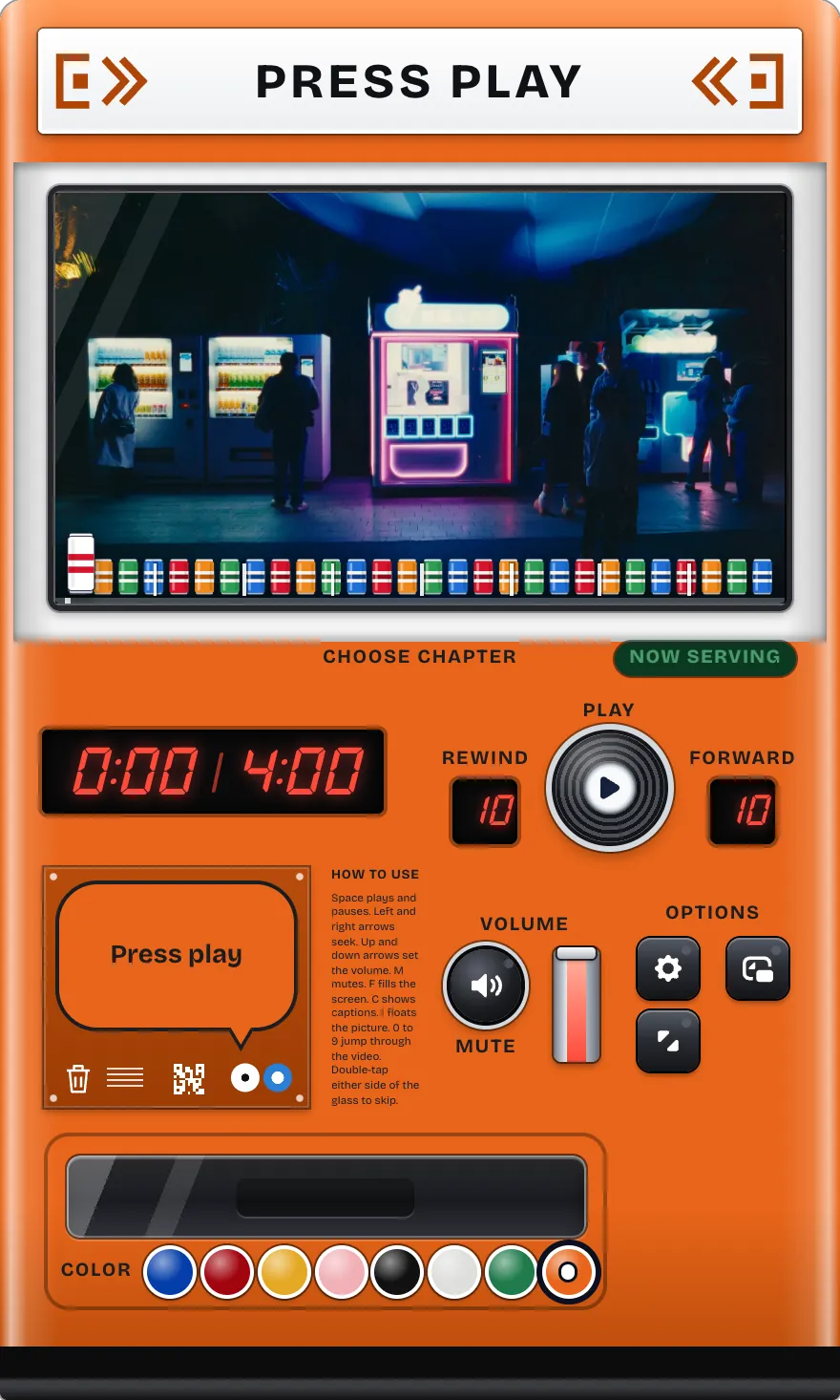
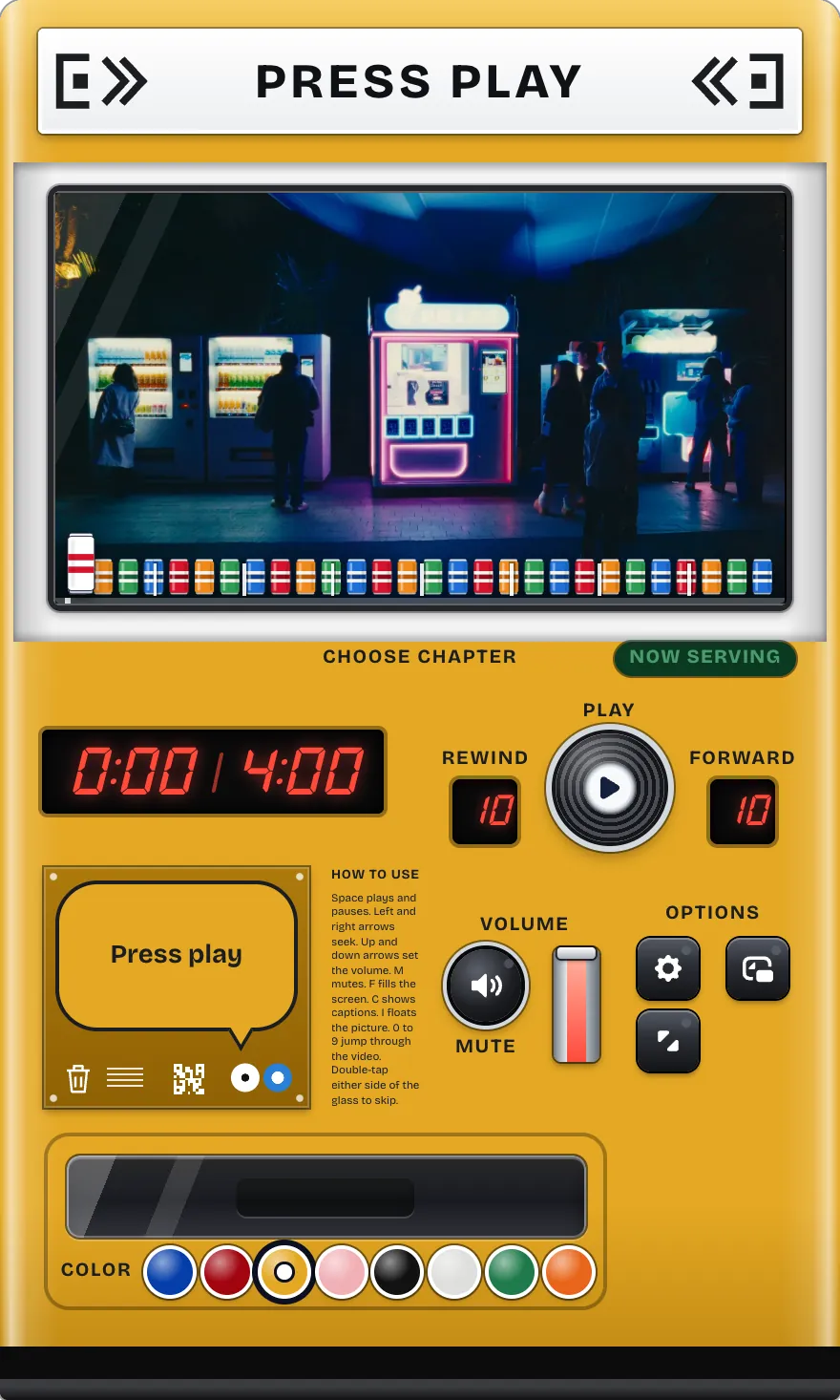
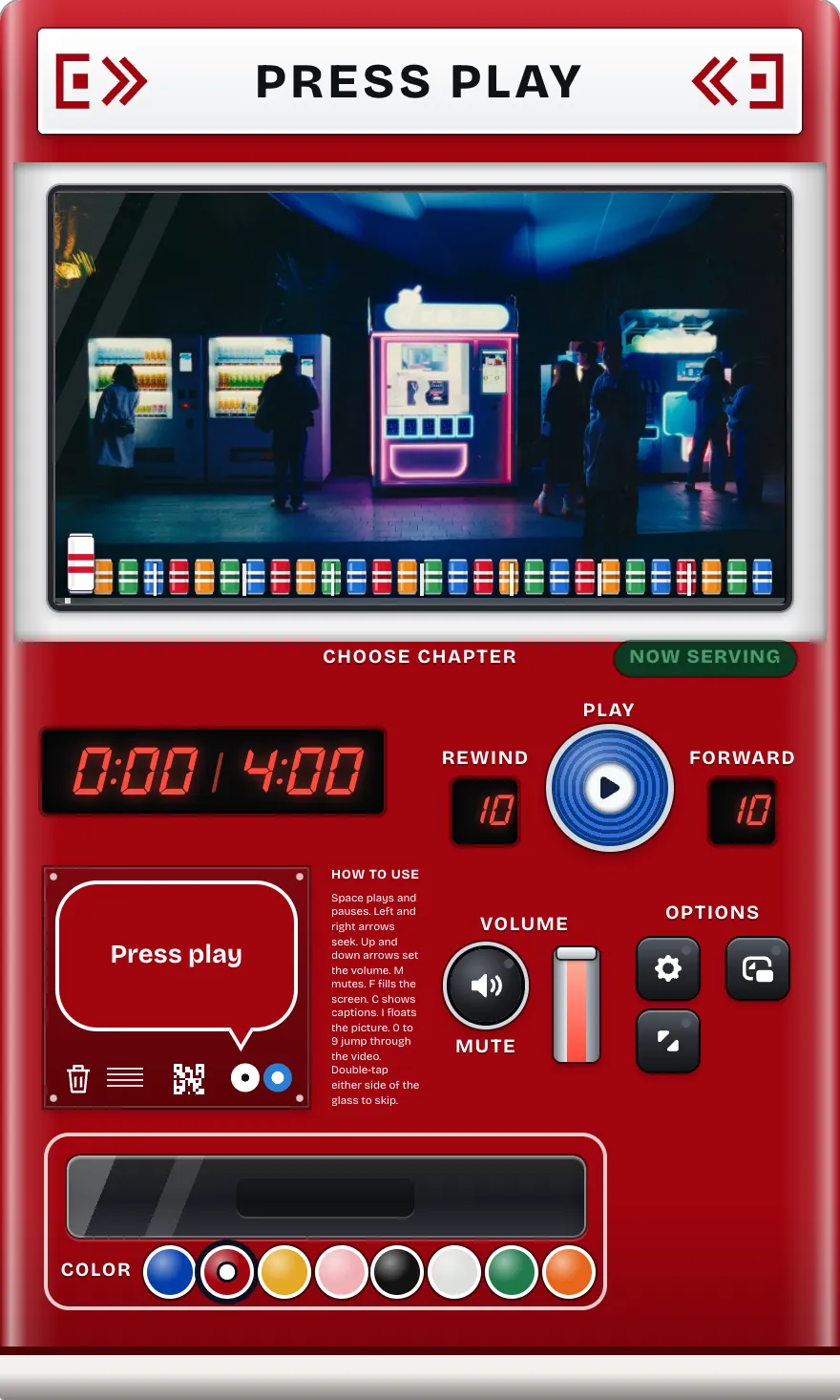
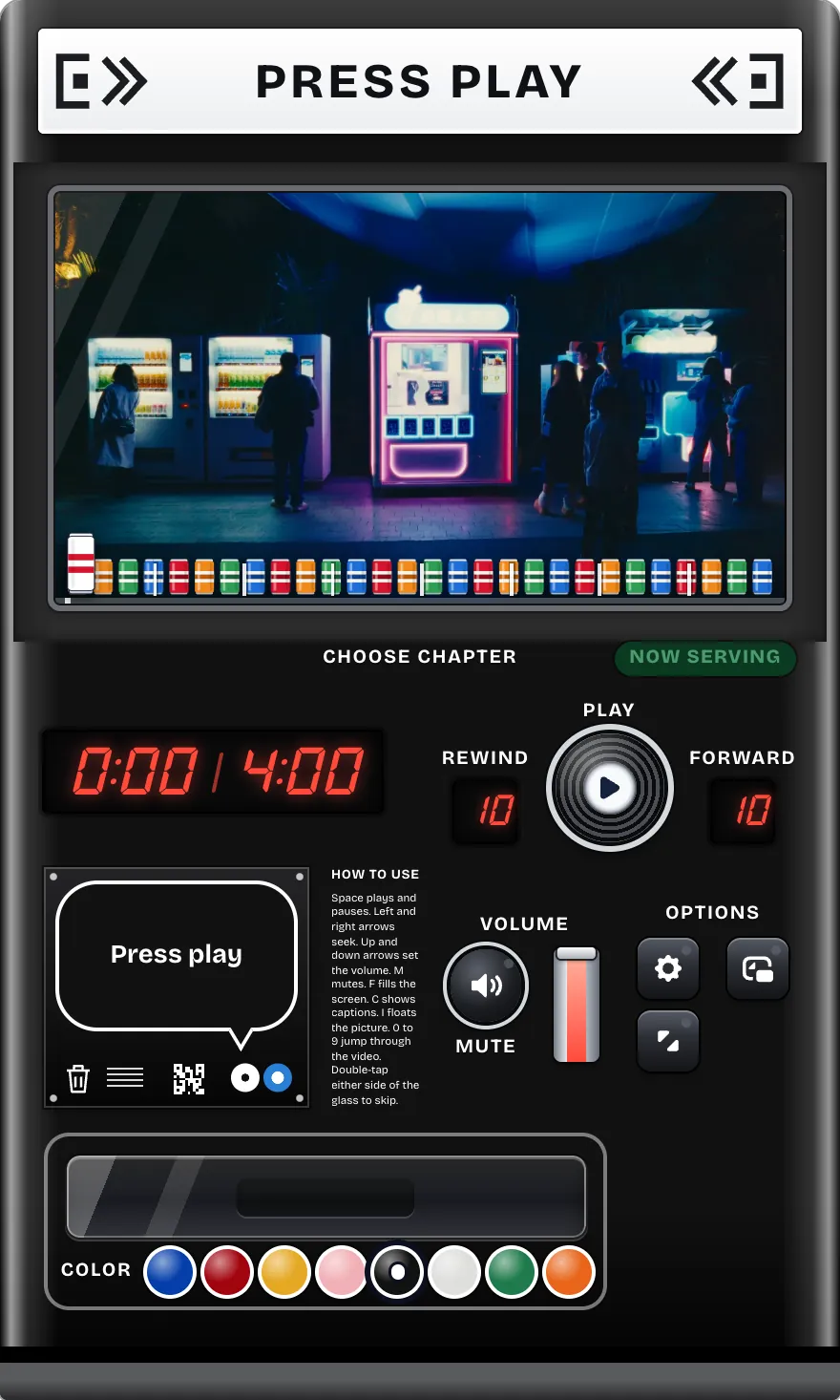
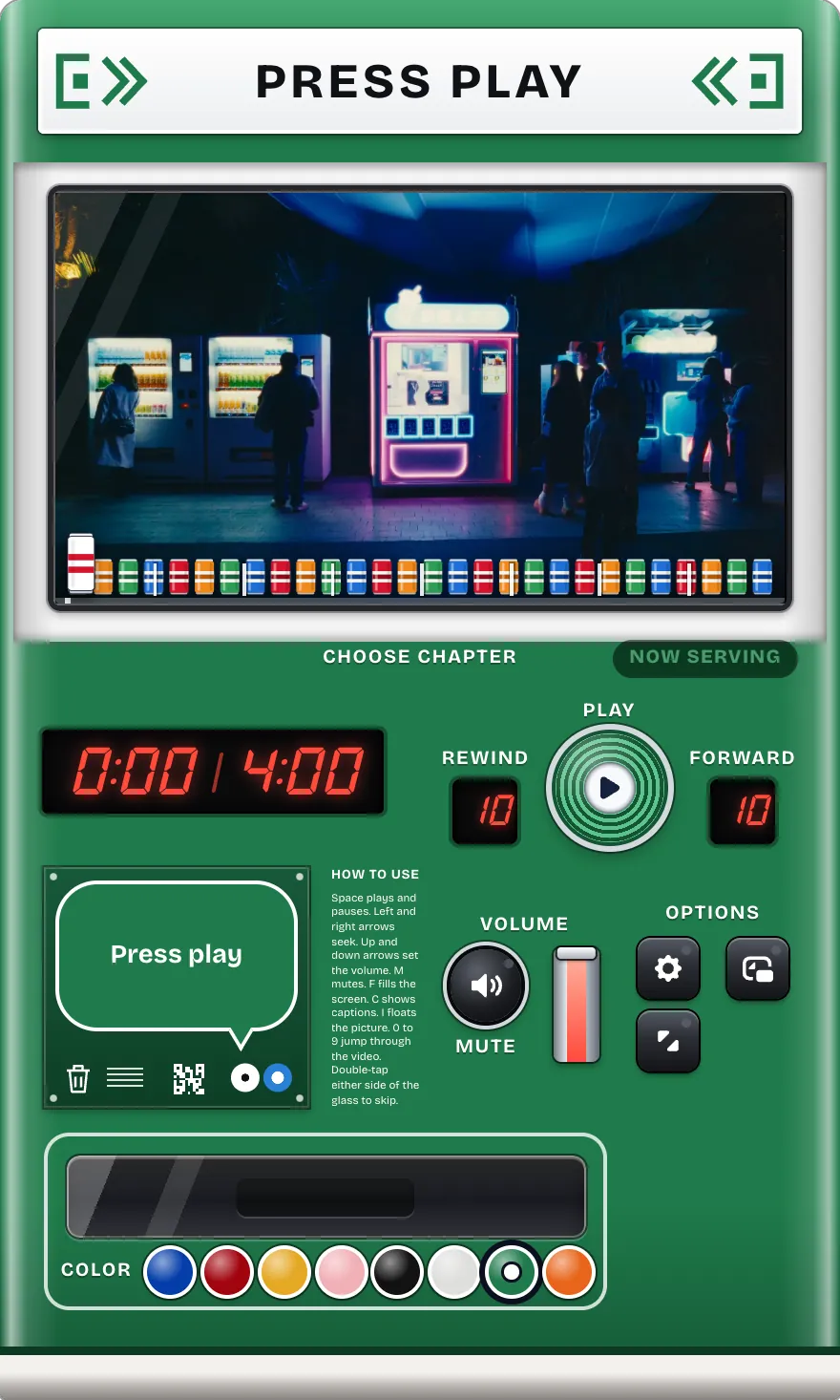
A machine like this belongs to a street, so each cabinet colour brings its own: Tokyo, Seoul, Beijing, New York, London, Paris, Berlin and Rome.
It is still one player. The colour is a single attribute on the cabinet that every painted part reads from, so the paint keys on the tray switch it with no reload, and the video keeps its place.
On a real machine the glass is where reflections live, and reflections are what make labels hard to read. So the glass here holds only what is meant to be looked at: the video and the row of cans.
Everything meant to be read sits below it, on plain enamel or a black key: the LED clock, Rewind, Play, Forward, Volume and the option keys. Their contrast is the same whatever is playing, bright scene or dark, and the one soft reflection on the glass stays in a corner of the picture.
The world around the machine is drawn, in 3D where the screen allows. The player is not: the one you open is one Video.js v10 instance in the page, an ordinary element that grows out of the machine you pressed, never a picture on a canvas. So every control works exactly as it does on its own.